
Parallel agents

Run many agents. See which one needs you.

Download for macOSFree to use. No card.

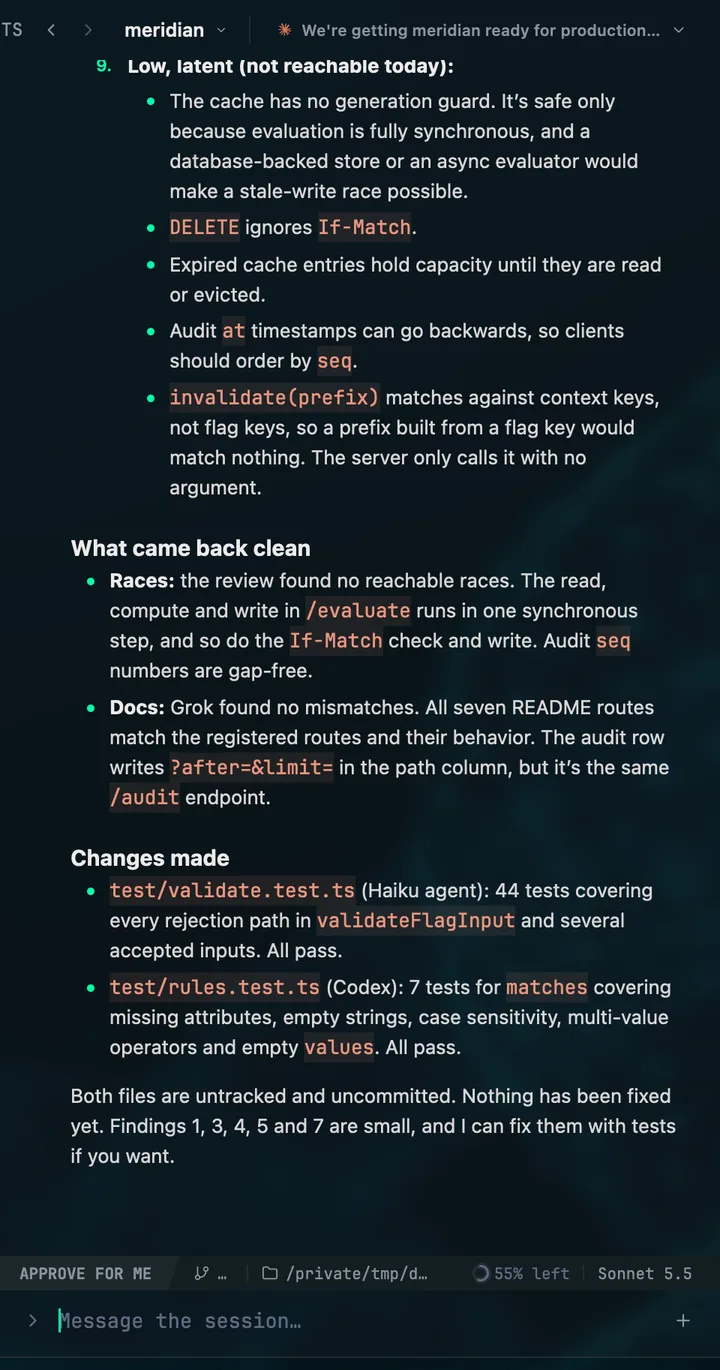
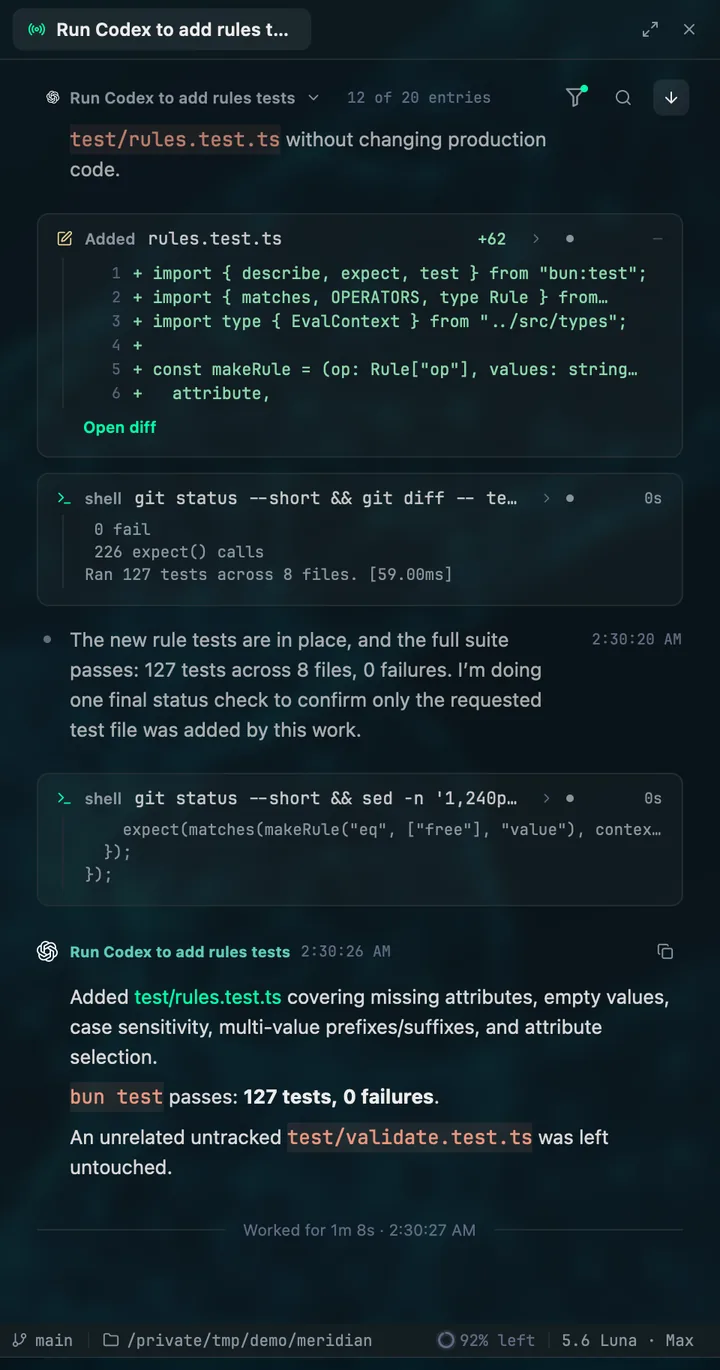
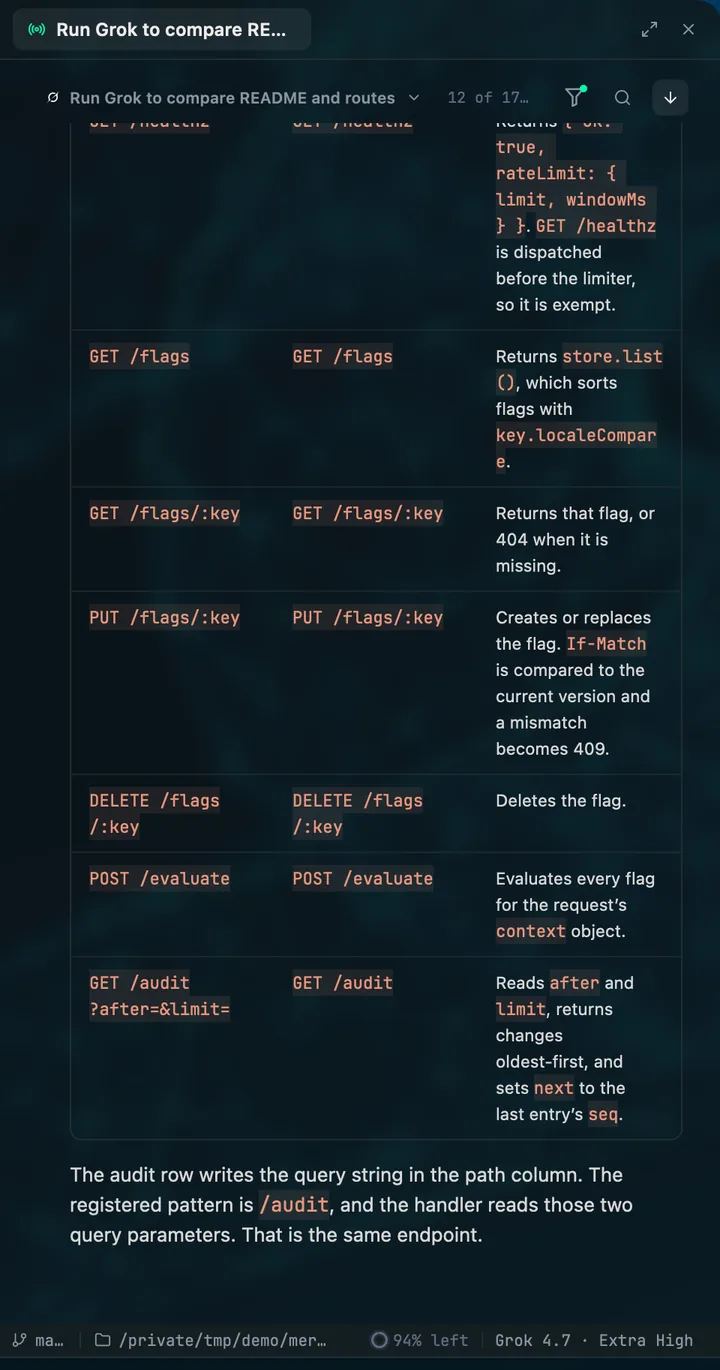
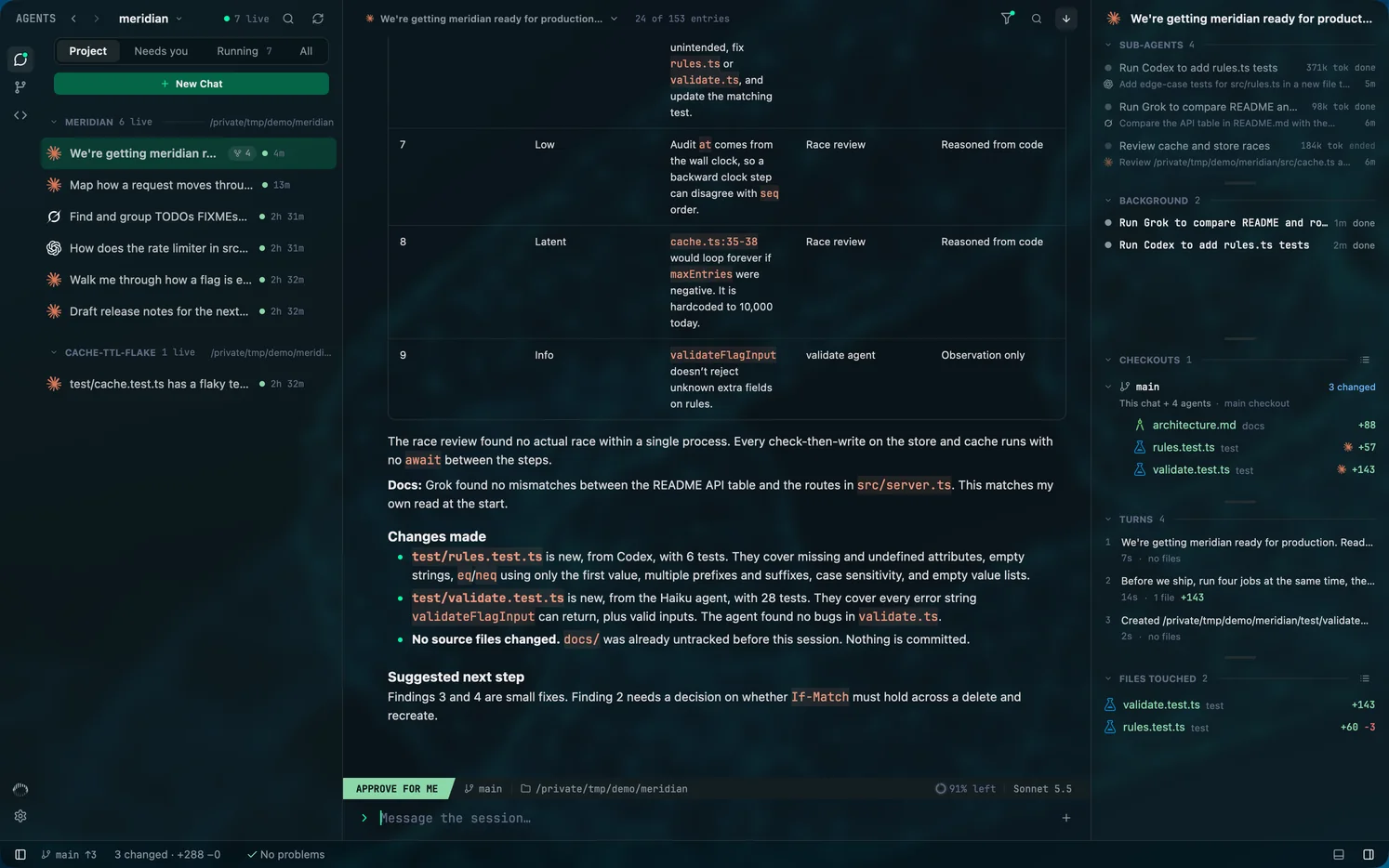
Mentat lets you run multiple Claude Code, Codex and Grok Build sessions at once and keep track of all of them. One roster shows every session in your projects, which are running, and which are waiting on you, across every repository and worktree.
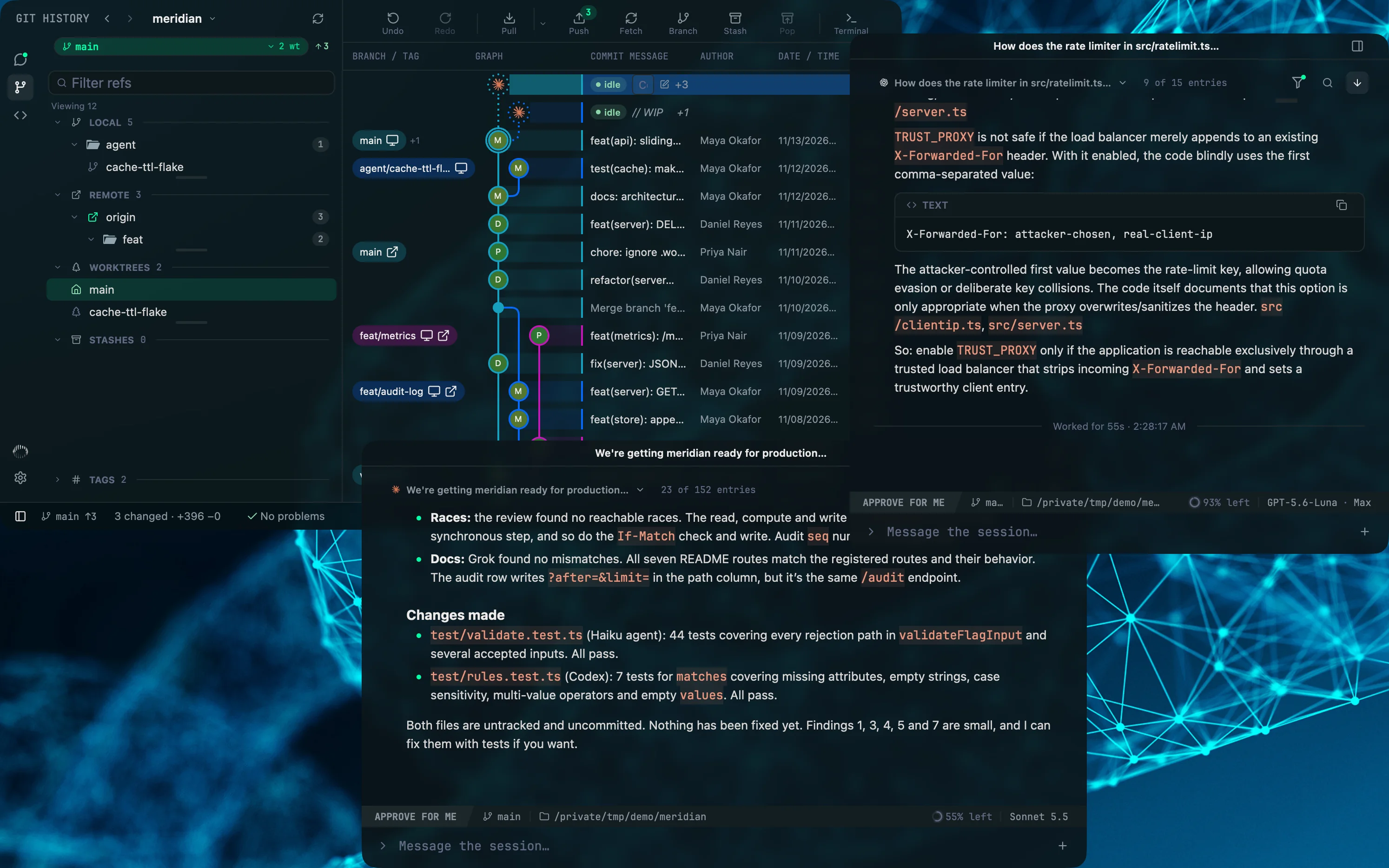
Three Mentat windows on one desktop: the Git commit graph, a Codex chat in a window of its own and a Claude Code chat in another.

01

One roster for every session

Sessions are grouped by project and filtered by Project, Needs you, Running or All. A session waiting on an approval or a question says so, and a notification tells you when one needs you, errors or stops.

02

A lead beside the agents it started

Open a chat and the agents it started open beside it, each in its own pane with its own model. Any chat can move to its own window.

03

Parallel work that stays separate

Each agent's diff is rebuilt from its own edits, so two agents in one checkout do not blur together. Create worktrees from the Git client when you want them fully apart.

Questions

How many agents can I run at once?

As many as your machine and your provider plans allow. Mentat adds no limit of its own, and its Capacity meter shows how much of each provider's quota is left.

Do the agents need to be started from Mentat?

No. Sessions started in a terminal appear in the same roster as the ones Mentat starts.

For engineers who stay close to the code

Set your agents in motion

Free to use, with no card. Every new account starts with fourteen days of Pro.

macOS 13 or later, Apple silicon. Windows is next. Git 2.45 or later. At least one of Claude Code, Codex or Grok Build, installed and signed in.