
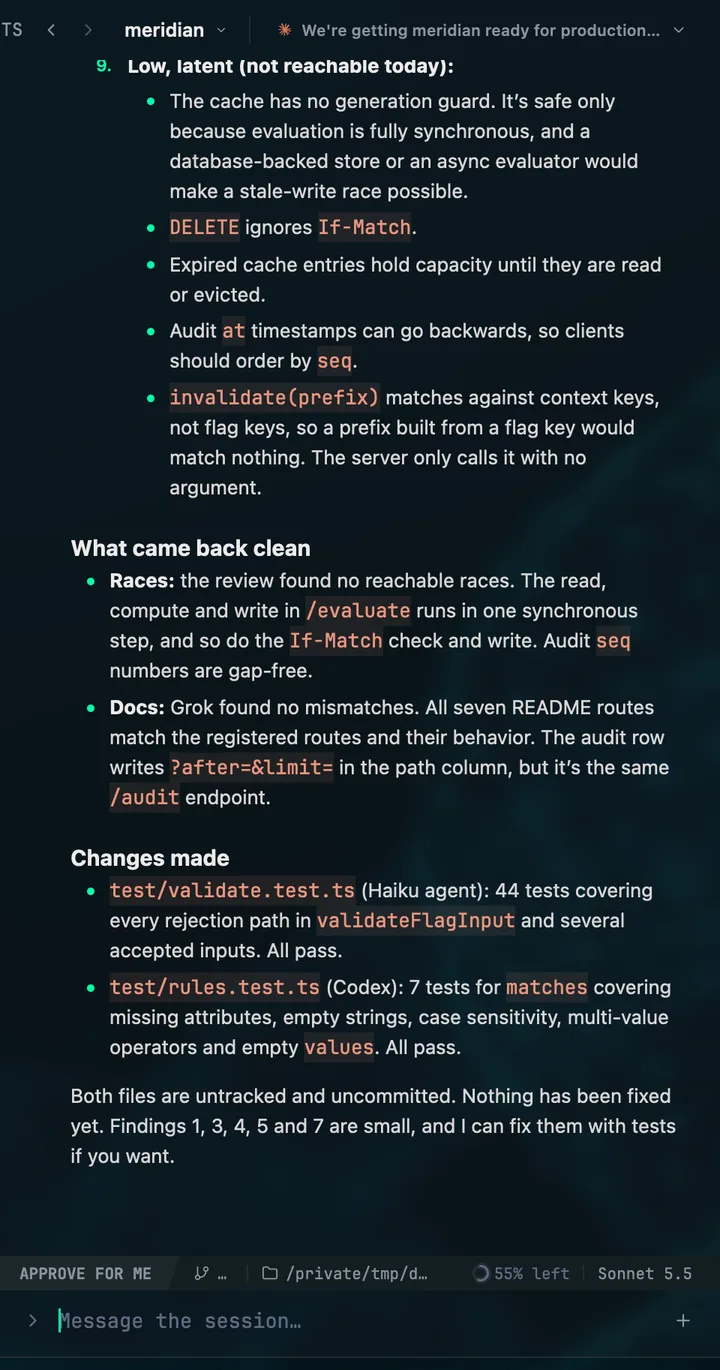
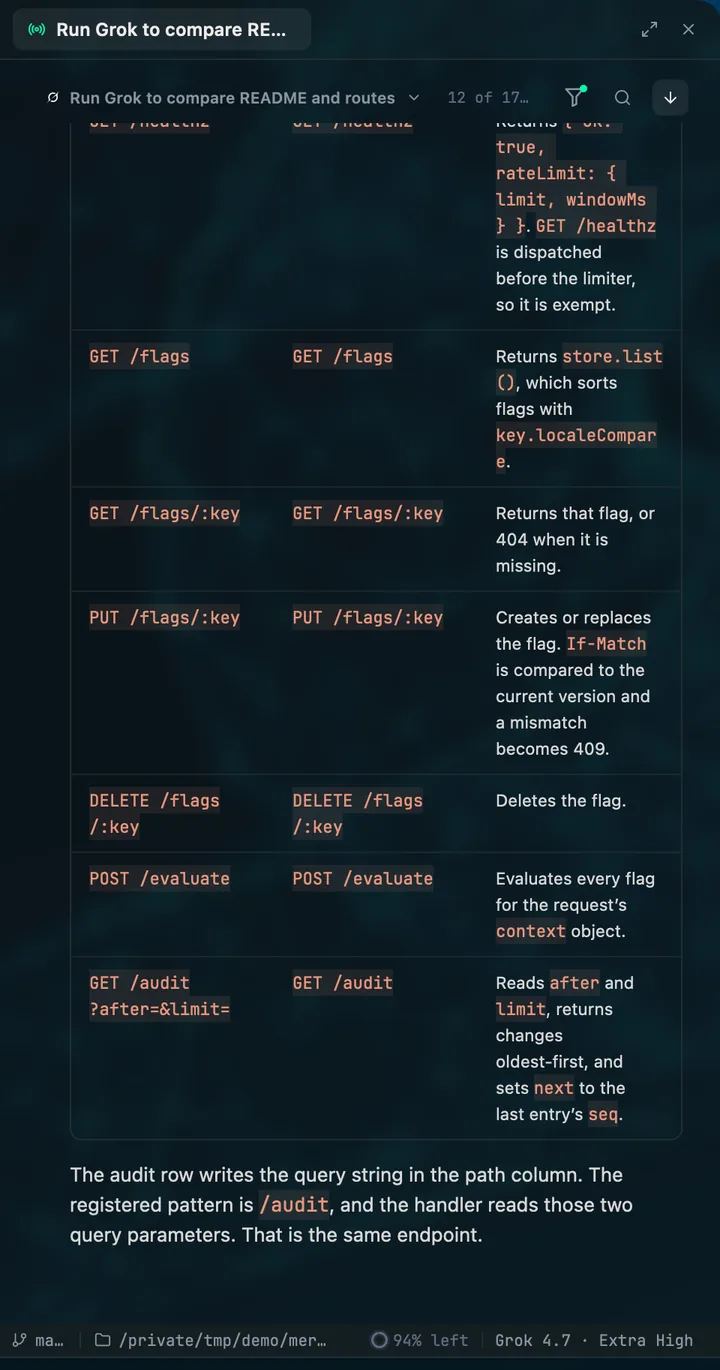
Codex GUI

A desktop GUI for the Codex CLI

Download for macOSFree to use. No card.

Mentat is a native desktop app that runs and follows Codex. It talks to Codex through its own app-server, so threads, turns, approvals, plans and goals behave the way Codex defines them, beside your Claude Code and Grok Build sessions.
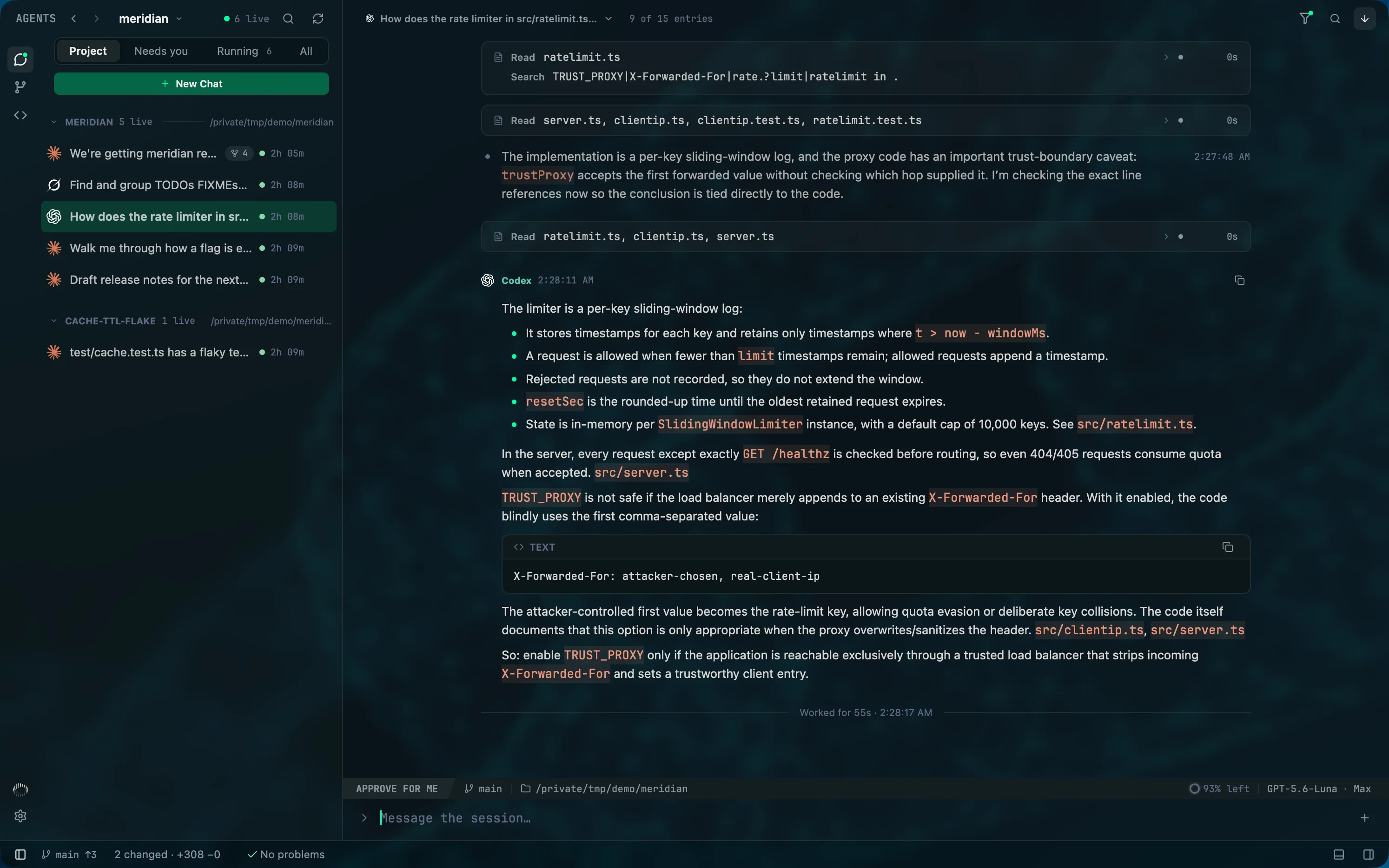
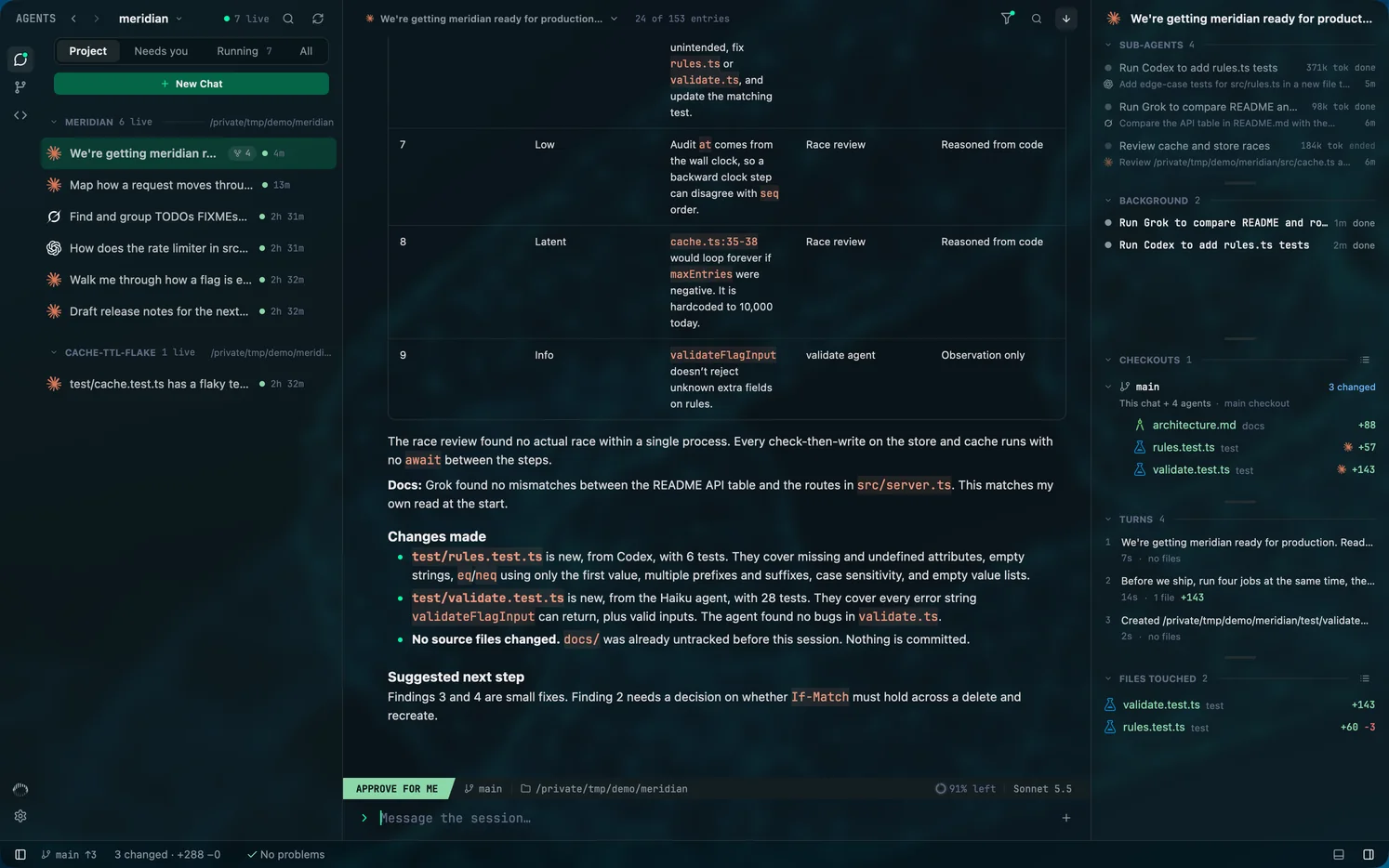
Mentat's roster for one project: Claude Code, Codex and Grok Build sessions, several started from a terminal, with one open beside it.
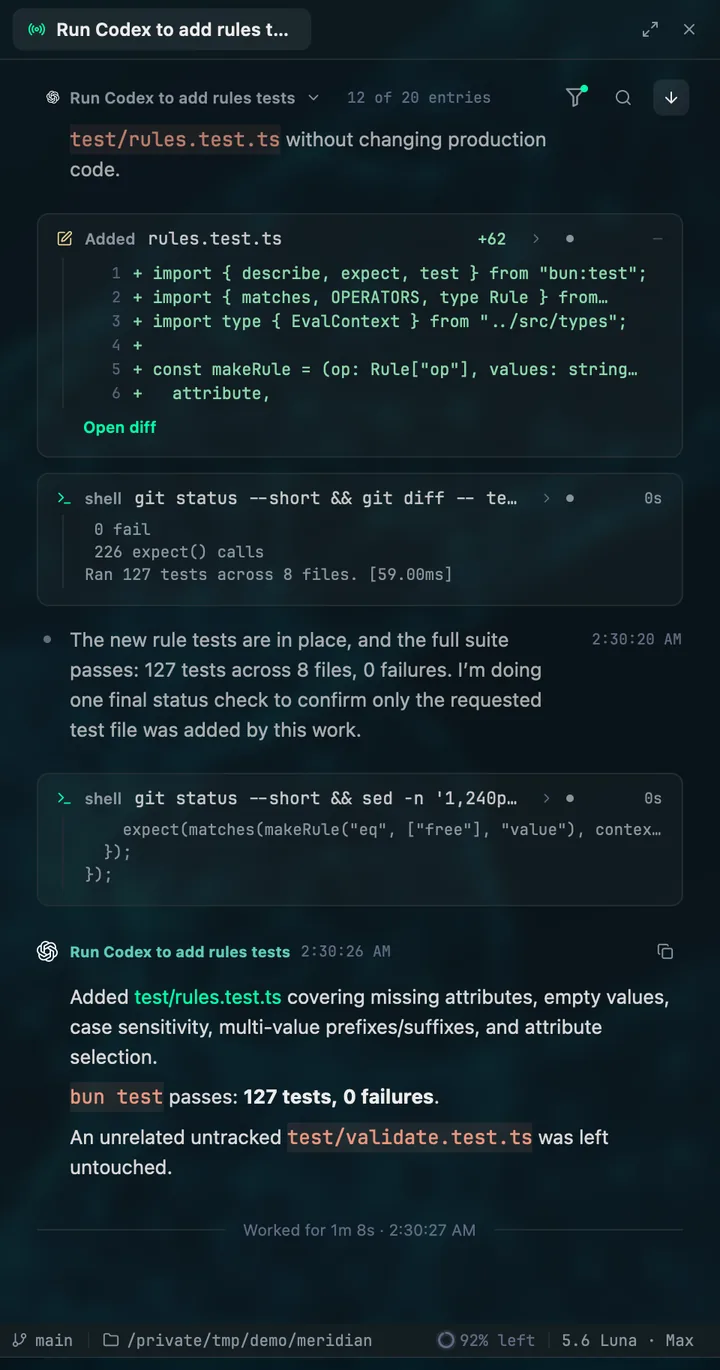
A Codex run in Mentat: the test file it added, the shell commands it ran and its final message, on GPT-5.6 Luna.

01

Codex threads, as Codex sees them

Mentat starts codex app-server and speaks its protocol directly: starting threads, steering turns, answering approvals. Model, effort and speed come from Codex's own catalog.

02

The diff for the turn that is running

While Codex works, the files it is changing list under This turn. When it finishes, Files touched holds the diff rebuilt from Codex's own edits, separate from anything another agent did in the same checkout.

03

Codex next to everything else

A Codex session started from a terminal shows up in the roster with your Claude Code and Grok Build sessions. A Codex run that another agent launched with codex exec nests under the session that launched it.

Questions

Is this OpenAI's Codex app?

No. Mentat is an independent app from Amtal Technologies that drives the Codex command-line tool you already have installed, alongside Claude Code and Grok Build.

Do I need an API key?

No. Mentat runs each command-line tool under the login it already has and never calls a model itself.

For engineers who stay close to the code

Set your agents in motion

Free to use, with no card. Every new account starts with fourteen days of Pro.

macOS 13 or later, Apple silicon. Windows is next. Git 2.45 or later. At least one of Claude Code, Codex or Grok Build, installed and signed in.