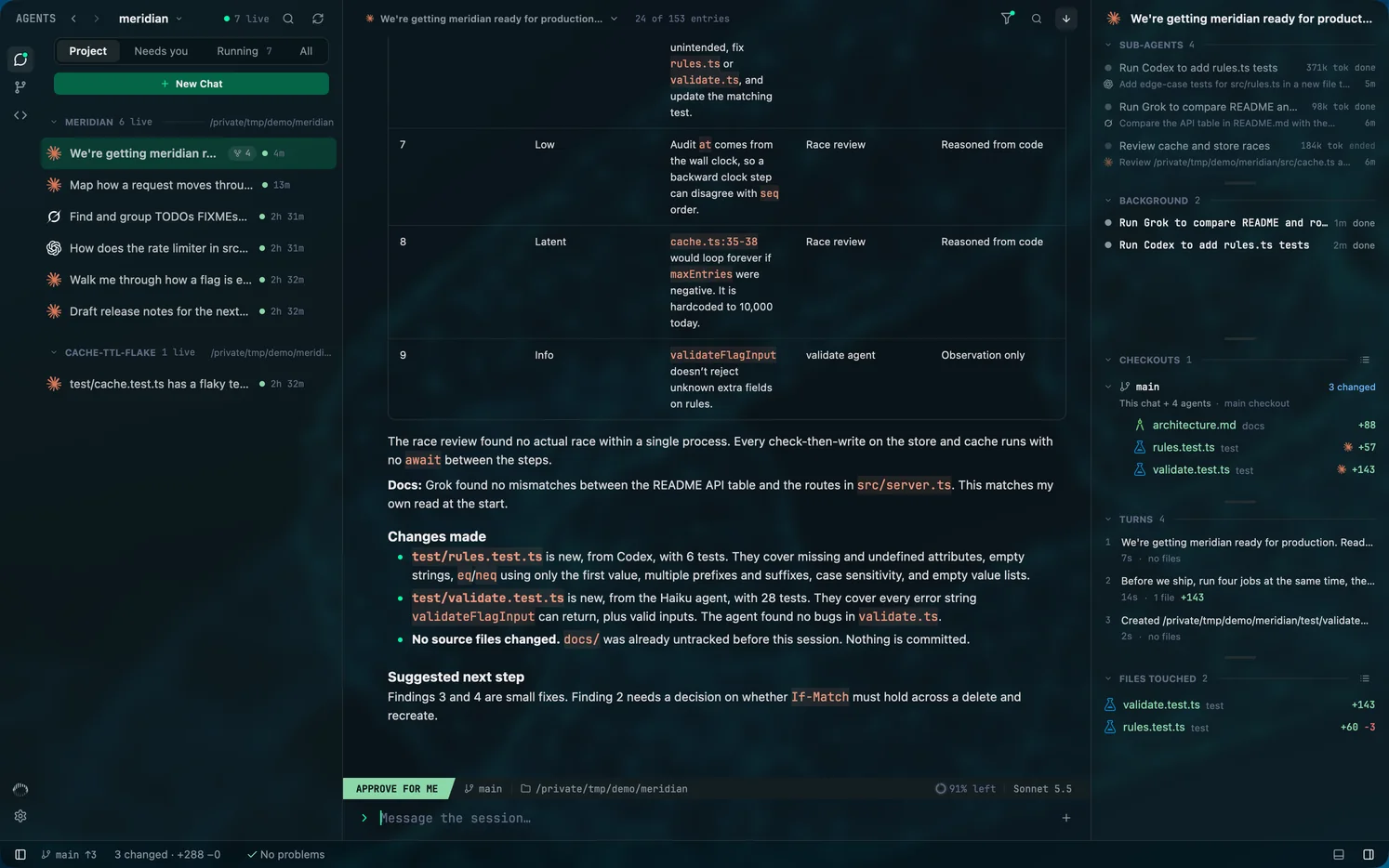
Keyboard reference
Mentat's default shortcuts on macOS, grouped by where they work. The app's commands can be rebound in the Keyboard Shortcuts window; the composer's own keys are fixed.
Checked against Mentat's code on .
In the composer
| Keys | What it does |
|---|---|
| Enter | Send. While a turn is running, steer into it. |
| Tab | Queue the message for after the turn. |
| Ctrl + Enter | Cut the reply short. Claude Code only; elsewhere it sends. |
| Shift + Tab | Cycle the permission mode. |
| @ | Mention one of the chat's agents, another chat or a file. Enter or Tab inserts the highlighted one; Esc closes the list. |
| Esc | Stop the running turn, after closing an open checklist or menu. |
| Shift + Enter | New line. |
| Up | Take waiting messages back to edit; then walk back through earlier prompts. |
| Ctrl + B | Move a running foreground command to the background. Claude Code only. |
On a card
| Card | Keys |
|---|---|
| Approval | Up and Down to choose, Enter to answer, Esc to dismiss. |
| Question | Arrows to choose, Left and Right between questions, Enter, Cmd + Enter to send. |
| Plan | Arrows to choose, Enter to answer. |
Across the app
| Keys | Command |
|---|---|
| Cmd + N | New agent session |
| Cmd + Shift + N | New window |
| Cmd + O | Open repository |
| Cmd + P | Command palette |
| Cmd + F | Find |
| Cmd + , | Settings |
| Cmd + / | Keyboard shortcuts |
| Cmd + B | Toggle sidebar |
| Cmd + Shift + B | Toggle details |
| Ctrl + \ | Toggle terminal |
| Cmd + Shift + ] or Ctrl + Tab | Next tab |
| Cmd + Shift + [ or Ctrl + Shift + Tab | Previous tab |
| Cmd + W | Close tab |
| Cmd + Shift + A | Switch between History and Agents |
| Cmd + Shift + E | Show code |
| Cmd + Shift + H | Show history |
| Cmd + = / Cmd + - / Cmd + 0 | Larger, smaller and default text size |
When focus is not in a text field
| Keys | What it does |
|---|---|
| Enter | Jump to the session's terminal. |
| Shift + G or End | Jump to the latest message. |
| Tab / Shift + Tab | Next and previous file tab. |
| Cmd + Left / Cmd + Right | Back and forward. |
| Cmd + Shift + Left / Right | Previous and next mode. |
Changing shortcuts
Settings, Keybindings, Open Keyboard Shortcuts opens the Keyboard Shortcuts window. Each command's menu offers Change keybinding, Add keybinding, Remove keybinding and Reset keybinding, and a shortcut that is already taken is marked Also bound to. Reset all keybindings restores the defaults.
The composer's keys (Enter, Tab, Ctrl + Enter, Shift + Tab, Esc and Ctrl + B) are fixed and do not appear in that window.
Vim mode is off by default. Turn it on with the Toggle Vim mode command in the command palette. Under Vim, Enter sends from Normal and Insert mode.