Permission modes and approvals
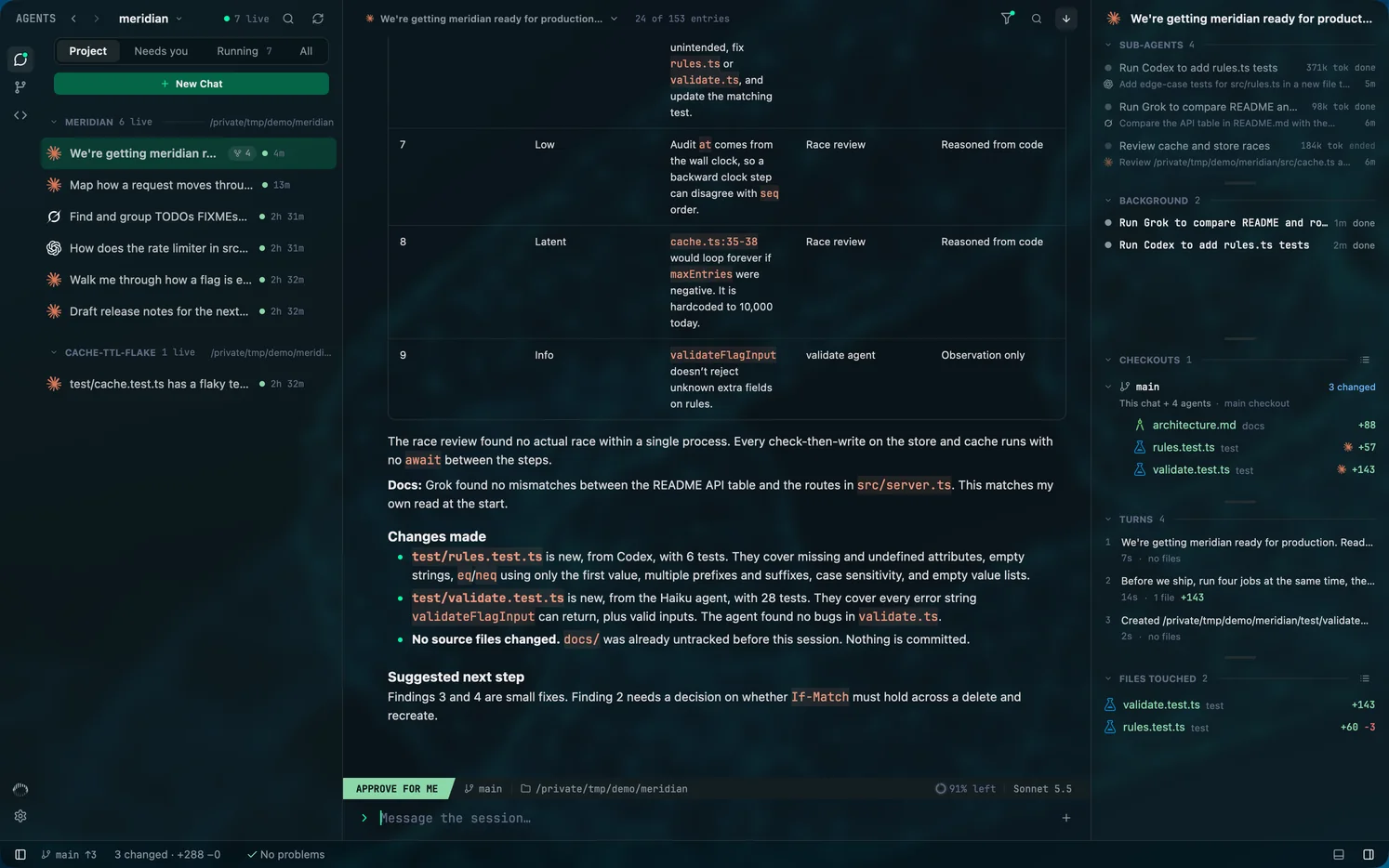
Mentat has five permission modes, and each one sets the tool's own permission setting; Mentat adds no approval layer of its own. Shift + Tab in the composer cycles them, and Approve edits is the default.
Checked against Mentat's code on .
The five modes
| Mode | What it does |
|---|---|
| Approve edits | Applies file edits automatically and asks before untrusted commands. |
| Approve for me | Hands decisions to the tool's own automatic reviewer. |
| Ask every time | Asks before any write or untrusted command. |
| Plan first | The agent researches and presents a plan before it builds anything. |
| Approve everything | Removes the sandbox and the approval step. Use it only where the agent can do no harm. |
The mode for new turns is set under Settings, Agents, Default permissions. Plan first is skipped for a tool that does not offer it.
What each mode sets in each tool
| Mode | Claude Code | Codex | Grok Build |
|---|---|---|---|
| Approve edits | acceptEdits | Asks unless trusted; may write in the workspace | acceptEdits |
| Approve for me | auto | Codex's automatic reviewer; may write in the workspace | auto |
| Ask every time | Claude Code's asking mode | Asks unless trusted; read-only | default |
| Plan first | plan | Asks unless trusted; read-only | plan |
| Approve everything | bypassPermissions | Never asks; full access | bypassPermissions |
Approval cards
When an agent needs permission, the card shows the request in full: the folder, the command or the file changes, any blocked path, and the tool's raw request. It is headed by what is being asked: Allow command?, Allow file changes?, Allow requested permissions?, Allow MCP tool? or Open requested link?
The choices are the ones that tool offers, in its words.
- Claude Code: Allow, Deny, Deny and stop, and, when Claude proposes a rule, Allow and remember for this session, this project or all projects.
- Codex: only the decisions Codex lists for that request, such as Allow once, Allow this command for this session, or Always allow commands starting with a given prefix, beside Deny and Deny and stop.
- Grok Build: the agent's own options, such as Allow once, Always allow and Reject.
Questions and plans
A question card lists the agent's options and a field to describe your own answer. A plan comes back as a card to review before anything is built. For Claude Code the choices are Approve and edit automatically, Approve, ask before edits, and Keep planning, with room for feedback; for Codex and Grok Build they are Implement and Keep planning.
Sub-agents
A request from a sub-agent surfaces in the composer of the chat that started it, marked Requested by with the sub-agent's name, so you answer it where you are already working. The oldest pending request is shown first.