
Grok Build GUI

A desktop GUI for Grok Build

Download for macOSFree to use. No card.

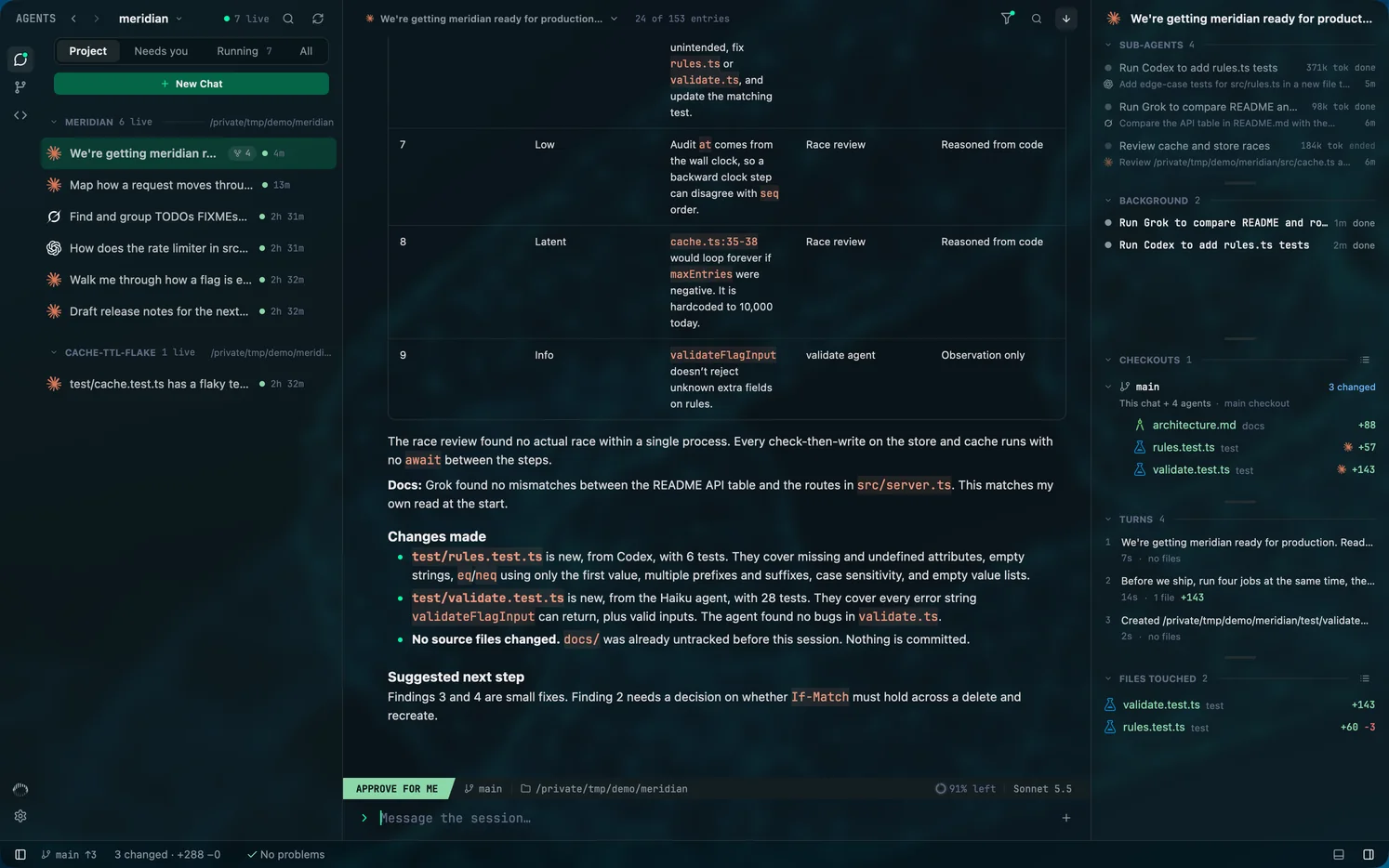
Mentat is a native desktop app that runs and follows xAI's Grok Build. It drives Grok over the Agent Client Protocol, lists the sessions you start in a terminal, and shows Grok's sub-agents, questions and edits beside your Claude Code and Codex sessions.
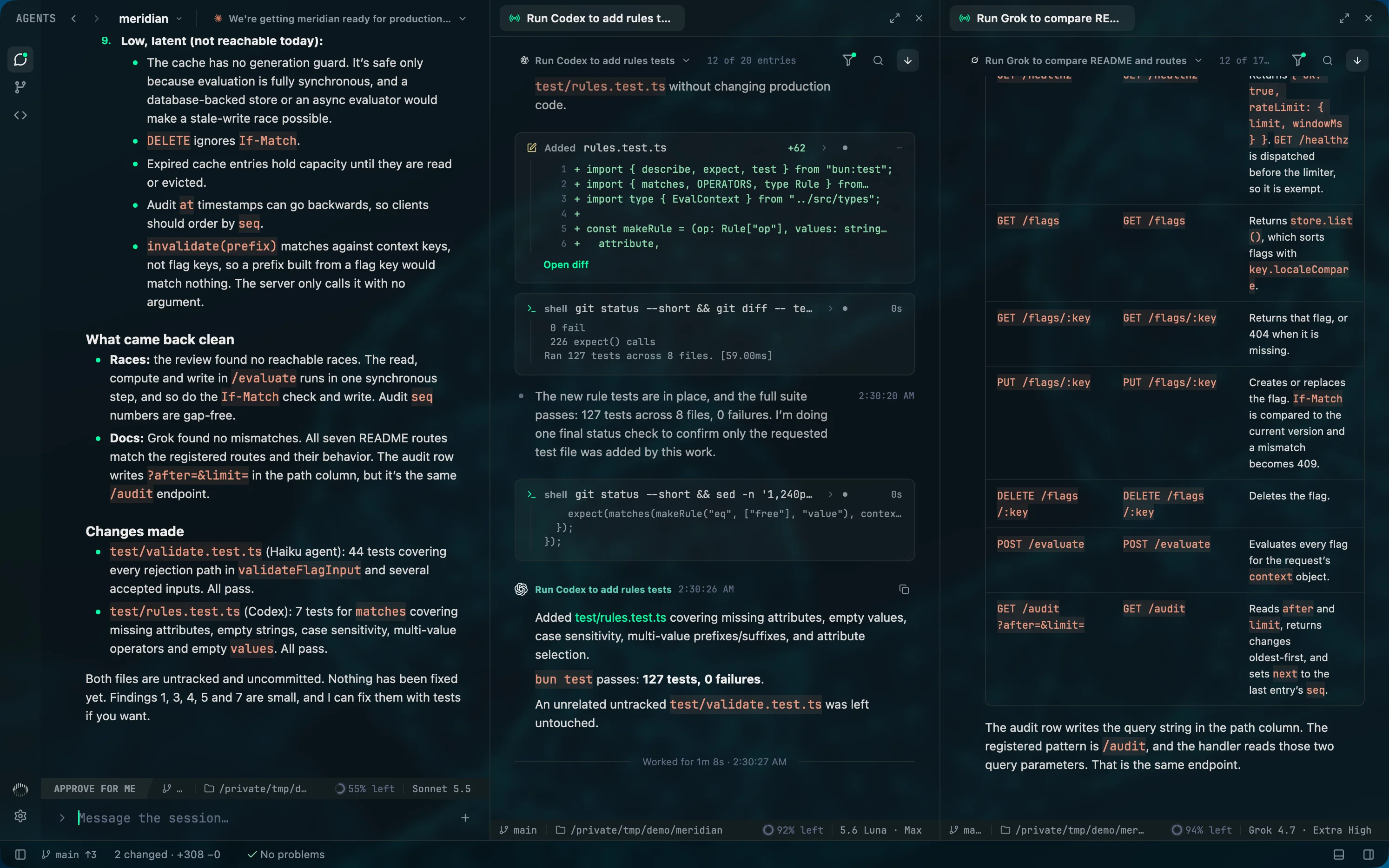
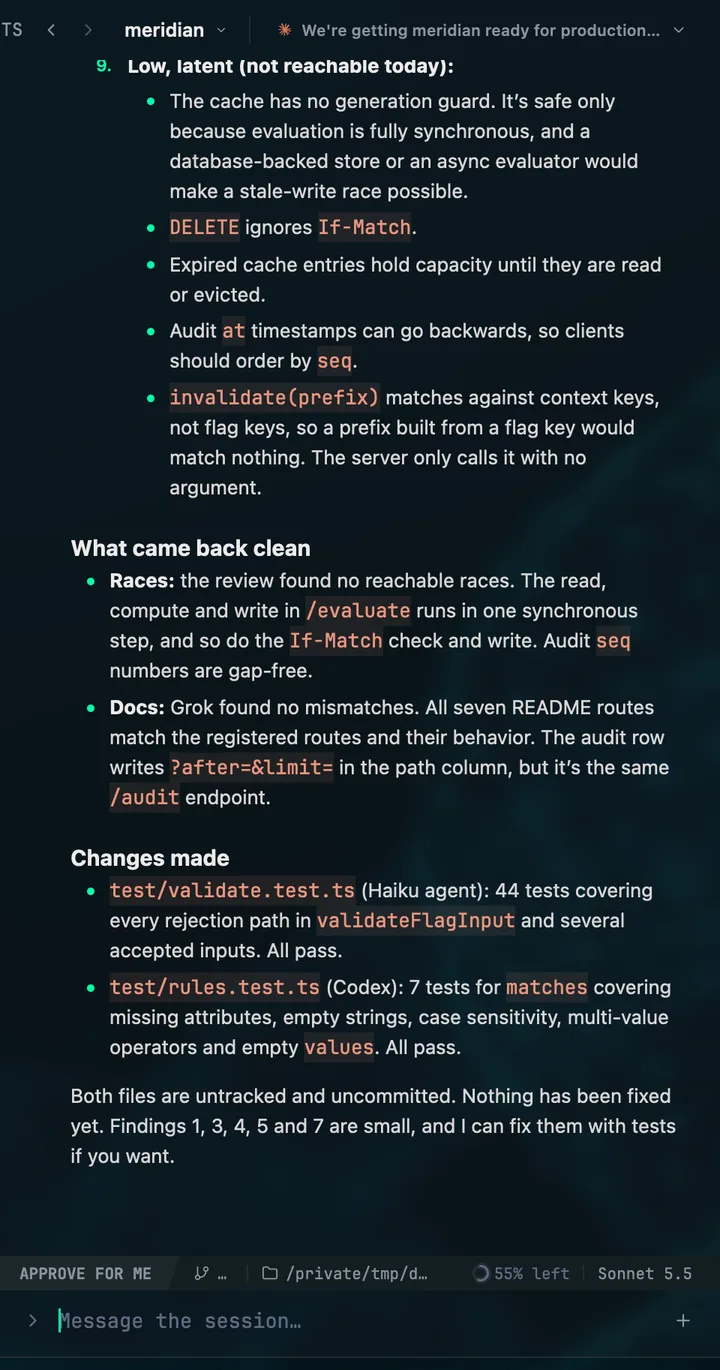
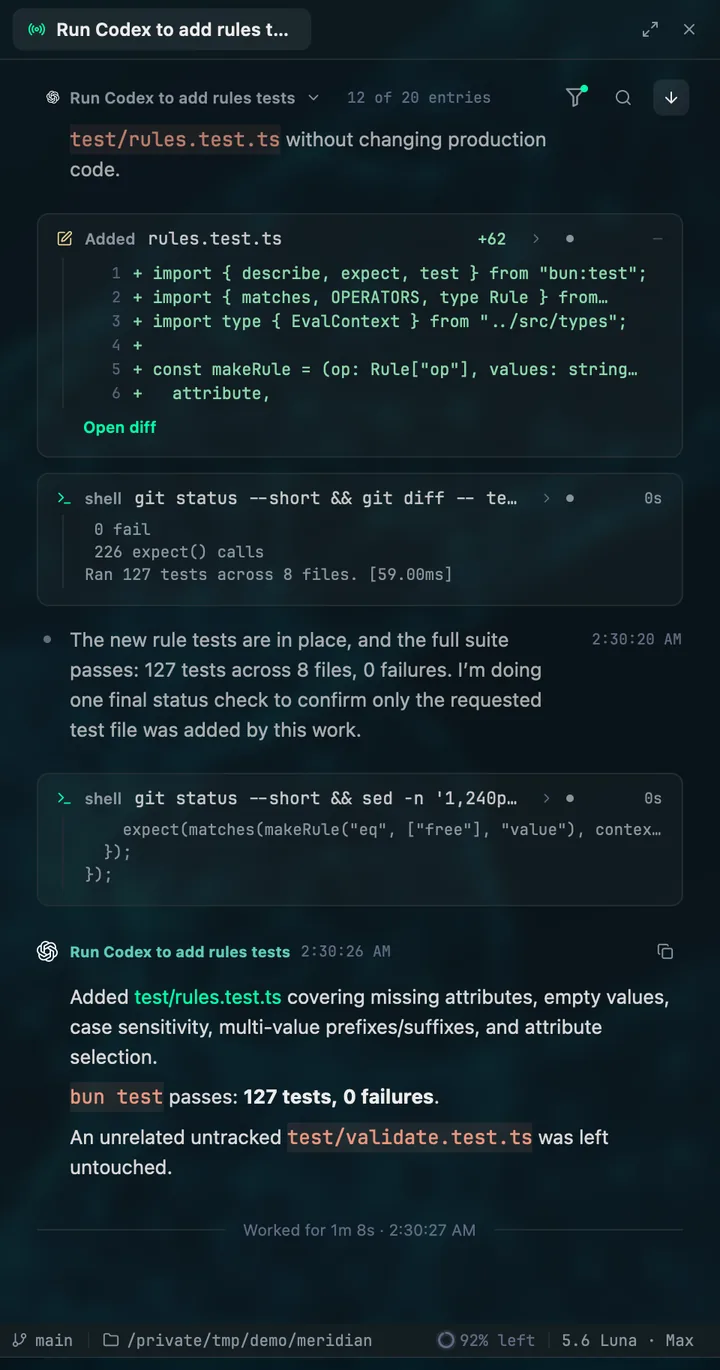
Three columns in one Mentat window: a Claude Code chat, the Codex run it started and the Grok Build run it started, each showing the model its agent uses.
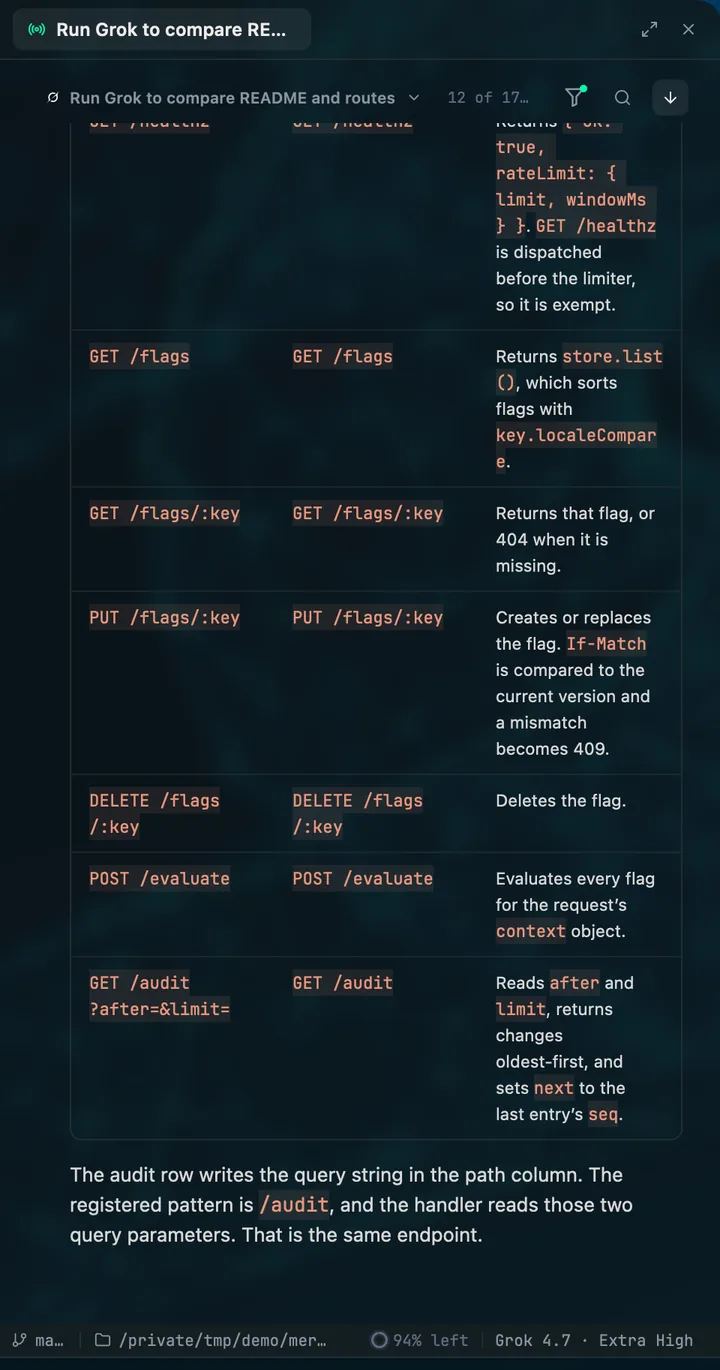
A Grok Build run in Mentat: its table comparing the README's routes with the ones the server registers, on Grok 4.7.

01

Grok Build over its own protocol

Mentat runs grok as an Agent Client Protocol agent and shows what Grok reports: its tool calls, its questions with Grok's own options, its goals and its plans.

02

Sessions from your terminal

Grok sessions are listed from the files Grok writes, so one started with grok in a terminal appears in its project with its transcript and sub-agents.

03

Grok beside Claude Code and Codex

Use the three together. When a Claude Code lead starts a Grok run from its shell, the run nests under that lead and opens beside it, showing the model Grok is using.

Questions

Do I need an API key?

No. Mentat runs each command-line tool under the login it already has and never calls a model itself.

Which Grok tool does Mentat use?

The Grok Build command-line tool from xAI, under the login it already has. Mentat does not call the xAI API.

For engineers who stay close to the code

Set your agents in motion

Free to use, with no card. Every new account starts with fourteen days of Pro.

macOS 13 or later, Apple silicon. Windows is next. Git 2.45 or later. At least one of Claude Code, Codex or Grok Build, installed and signed in.